Every tenant, every plan, one console.
Provision tenants, manage subscriptions, monitor platform health, and audit every change — from a single operator surface built for the team running the LMS.
What the operator console covers
- Tenant lifecycle
- Subscription & billing
- Platform audit log
- Cross-tenant analytics
- Role & permission catalogue
- Master security policy
- Feature catalogue
- Plugin management
- Storage providers
- SSO connectors
- Backup & restore
- Push credentials
- Session limits
- Device management
Capabilities
What you can do from here.
One surface over the whole fleet — provisioning, billing, policy and the audit trail that ties them together.
Tenant management
Create, suspend, archive or transfer ownership of tenant workspaces. Users, plan, usage and health at a glance, with every action attributed.
Subscription & plans
Define billing plans, assign trials, cap user limits, and watch active subscriptions across the fleet.
Roles & permissions
Manage seeded roles, custom role bundles and the master permission catalogue applied to every tenant.
Platform audit log
Every mutating operation across every tenant, searchable by actor, action or entity.
Master settings
Captcha, password and lockout policy, default storage providers, feature catalogue — applied platform-wide.
Cross-tenant analytics
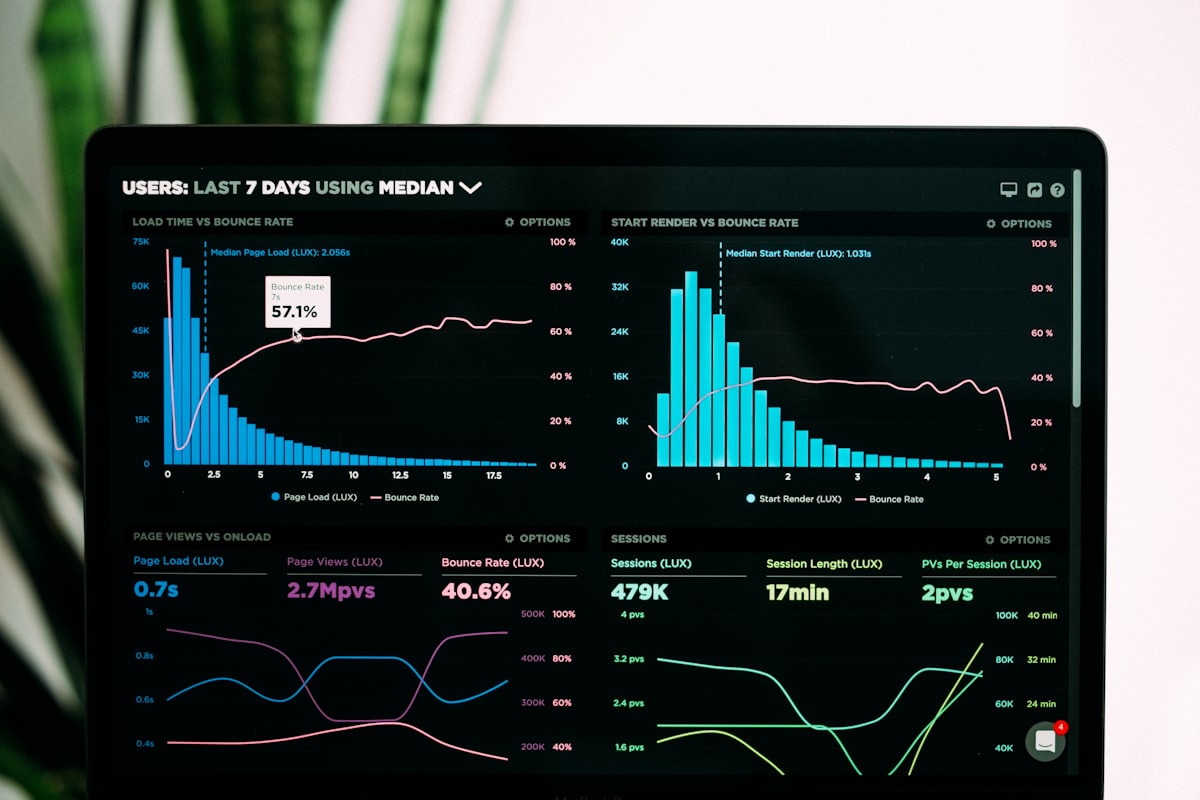
Roll-up dashboards over the whole platform: course completions, enrolments, active learners and engagement, sliced by tenant or by plan. The figures come from the same tenant-scoped records the tenants themselves see.
Two sides of the platform
Operator reach, tenant autonomy.
The console governs the platform. It does not do the tenants' work for them — a tenant admin runs their own workspace from the learner portal.
Only here, only you
- Create, suspend and archive tenants
- Define billing plans and price points
- Platform-wide policy and feature catalogue
- Cross-tenant audit and analytics
Devolved to the workspace
- Users, roles, org units and study groups
- Courses, categories and content review
- Their own branding, theme and domain
- Their own invoices and plan upgrades
The platform
One surface over the whole fleet.


How it works
Three things you'll do today.
The daily loop of running a multi-tenant platform, in the order you do it.
- 1
Provision a tenant
Spin up a fresh workspace, pick its plan, invite its first admin. They own their branding from minute one.
- 2
Manage the plan
Adjust user caps, switch billing tiers, watch the trial clock, reconcile a payment against its invoice.
- 3
Audit and roll up
Inspect platform-wide activity, answer a tenant's question with evidence, and roll engagement up by plan.


FAQ
What operators ask first.
Who gets an account on this console?
Only the platform team. Operator accounts are provisioned by an existing platform admin — there is no self-serve sign-up on this app at all.
Can a tenant admin do any of this themselves?
Most of it, inside their own workspace: users, roles, org units, courses, branding, invoices and plan upgrades. What stays here is platform-level — creating or deleting tenants, and defining billing plans.
How is one tenant's data kept away from another's?
Every record is tenant-scoped at the query layer. The console is the one place that reads across tenants, and every read-across is performed as an identified operator.
What exactly lands in the audit log?
Every mutating operation — create, update, delete, toggle, assign, revoke — with the actor, the tenant, the action and the before/after values where they are meaningful.
Can platform-wide policy be enforced on tenants?
Yes. Captcha, password, lockout and session policy, default storage provider and the feature catalogue are set here and applied across every workspace.
Is there a mobile version of the console?
The console is a responsive web app — it works on a phone browser. The native mobile apps are for learners and instructors, not platform operations.
Access
Operator-only by design.
This console is reserved for the platform team. Tenants don't sign up here — they live in the learner portal. If you need an operator account, your platform admin invites you directly.